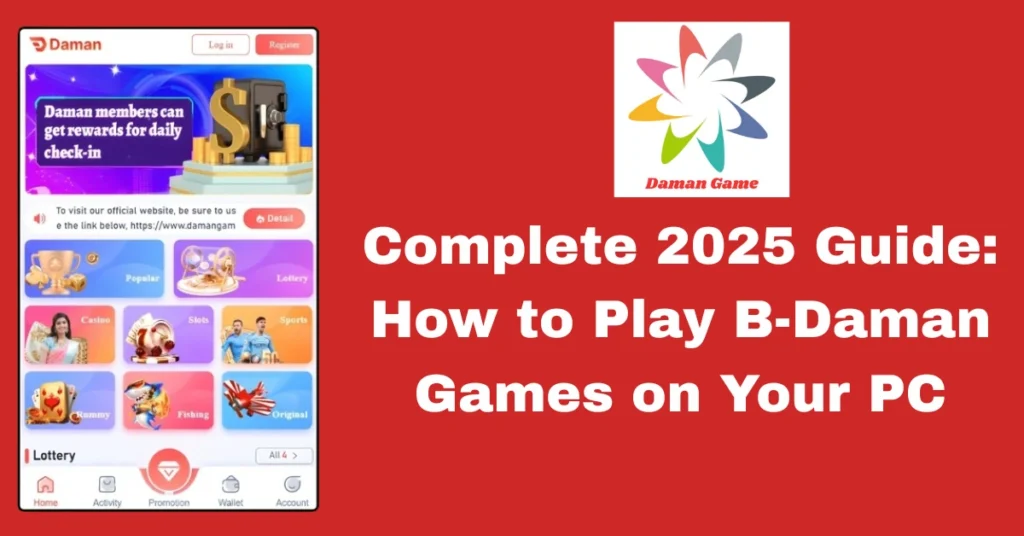
Complete Guide 2025: How to Play B-Daman Games on Your PC
Complete Guide 2025: How to Play B-Daman Games on Your PC
The B-Daman Games franchise, renowned for its marble-shooting battles and dynamic gameplay, has captivated fans worldwide. While it started as a toy and anime series, its digital adaptations have allowed fans to enjoy the excitement on personal computers. In 2025, there are various ways to experience B-Daman Games on PC, from using emulators to exploring fan-made games and browser-based experiences.
Understanding B-Daman PC Games
B-Daman PC games are digital versions of the original B-Daman toys and anime series, designed to be played on personal computers. These games often feature intense marble-shooting battles, strategic gameplay, and character customization, allowing players to immerse themselves in the B-Daman universe.
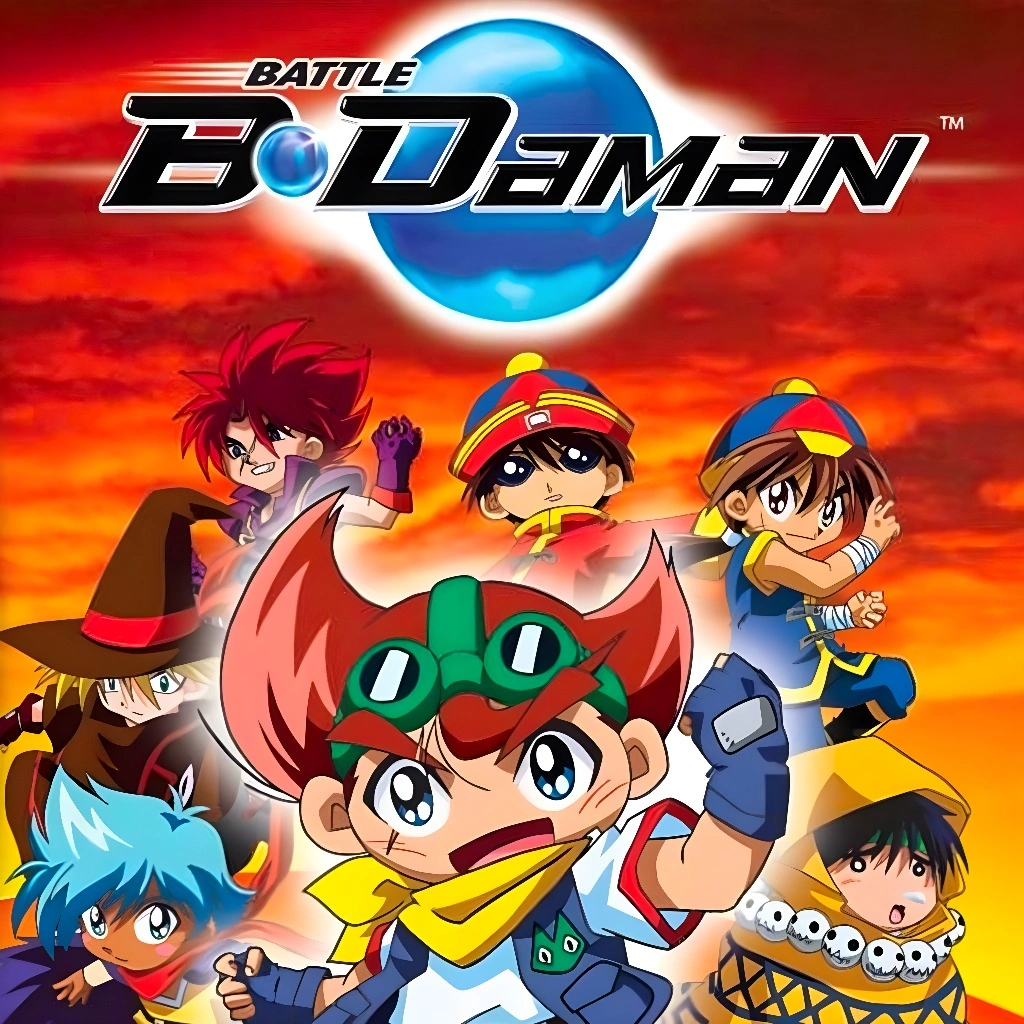
Why Opt for B-Daman on PC?
Enhanced Visual Experience:
Playing on a larger screen offers improved graphics and a more immersive experience compared to handheld devices.
Precise Controls:
Utilizing a keyboard or gamepad provides more accurate control during fast-paced battles.
Progress Saving:
Downloaded PC versions allow players to save their progress, eliminating the need to restart from the beginning after each session.
Top B-Daman PC Games to Explore
- Platform: Game Boy Advance (GBA)
- Description: An action-packed game where players engage in marble-shooting battles, aiming to defeat opponents and advance through levels.
- Emulator: VisualBoy Advance or mGBA
- Platform: Game Boy Advance (GBA)
- Description: A sequel featuring new characters and enhanced gameplay mechanics, including the introduction of Strike Shots.
- Emulator: VisualBoy Advance or mGBA
- Platform: Nintendo 3DS
- Description: A 3D game offering multiplayer battles and character customization.
- Emulator: Citra
- Platform: PC
- Description: Community-developed games utilizing platforms like Unity and Flash, offering unique takes on B-Daman gameplay.
- Access: Available on fan sites or game platforms like itch.io
- Platform: Web Browser
- Description: Simple, accessible games capturing the essence of B-Daman battles.
- Play: Available on various online gaming platforms.

Setting Up B-Daman Games on Your PC
To play B-Daman games on your PC:
Download an Emulator:
Choose an appropriate emulator based on the game platform (e.g., VisualBoy Advance for GBA games, Citra for 3DS games).
Obtain the Game ROM:
Download the game ROM from a reliable source.
Install the Emulator:
Follow the installation instructions for the chosen emulator.
Load the Game:
Open the emulator and load the downloaded ROM to start playing.
Note: Ensure that you own a legal copy of the game before downloading ROMs.
Enhancing Your B-Daman Gaming Experience
Troubleshooting Common B-Daman PC Game Issues
Sometimes, players may encounter issues while trying to play B-Daman games on PC. Here are some common problems and how to fix them:
Game Not Loading:
Ensure your emulator is up to date and the ROM file is not corrupted. Try re-downloading the ROM from a reliable source.
Performance Issues:
If the game is lagging, adjust the emulator’s settings to lower the graphical requirements or reduce the number of background processes running on your PC.
Controller Not Working:
Check the emulator’s input settings to ensure your controller is properly configured. You may need to install drivers or software for the controller.
Video Tutorial
Frequently Asked Questions
Conclusion
Playing B-Daman games on your PC in 2025 offers an enhanced gaming experience with improved graphics, precise controls, and the convenience of saving progress. Whether you’re revisiting classic titles or exploring fan-made projects, there’s a B-Daman game to suit every player’s preference.
Note: Always ensure that you download games and emulators from reputable sources to avoid potential security risks.